
Plan a city, day by day.
Pick a city and your dates. TripChart builds a day-by-day route that accounts for popular places, opening hours and visit times.
Plan
Pick the city, the route does the rest.
- 1
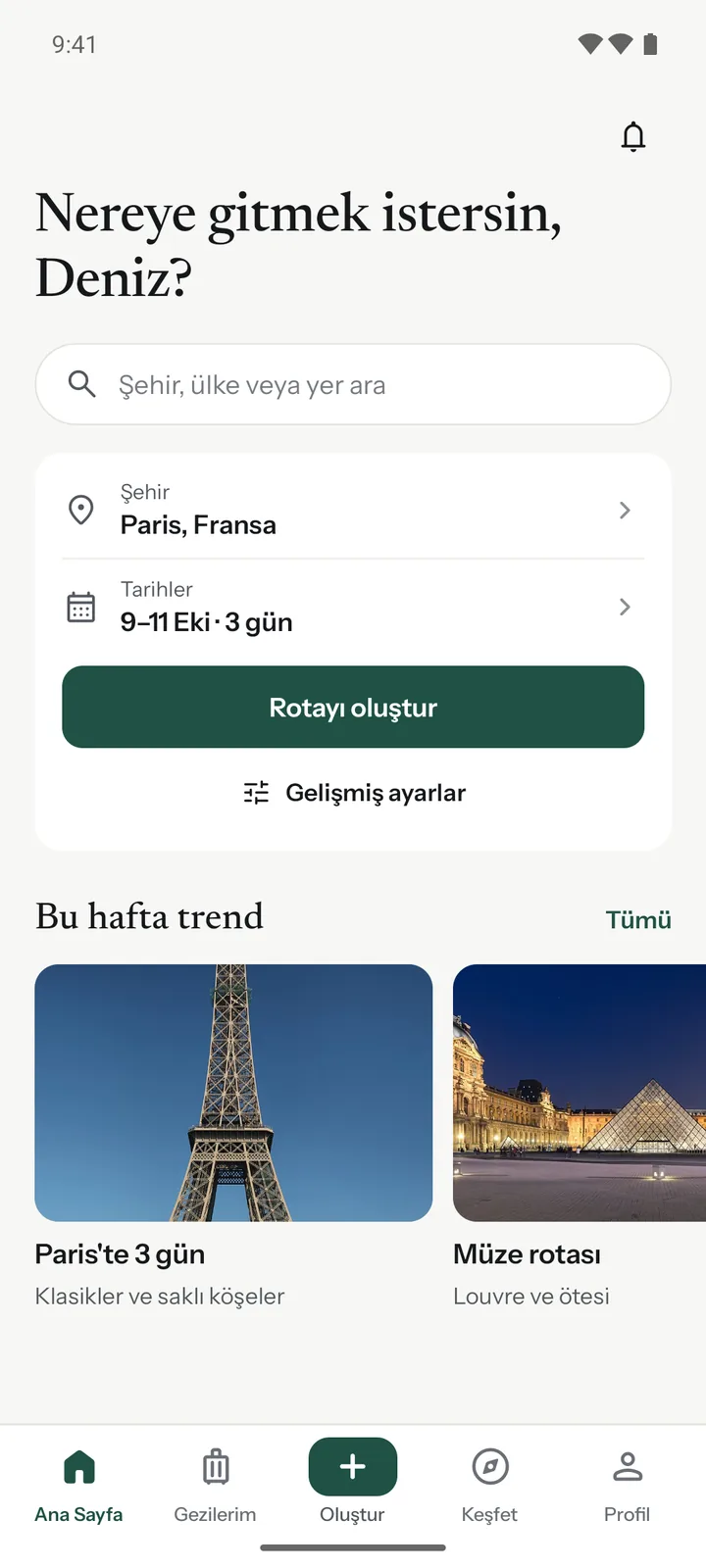
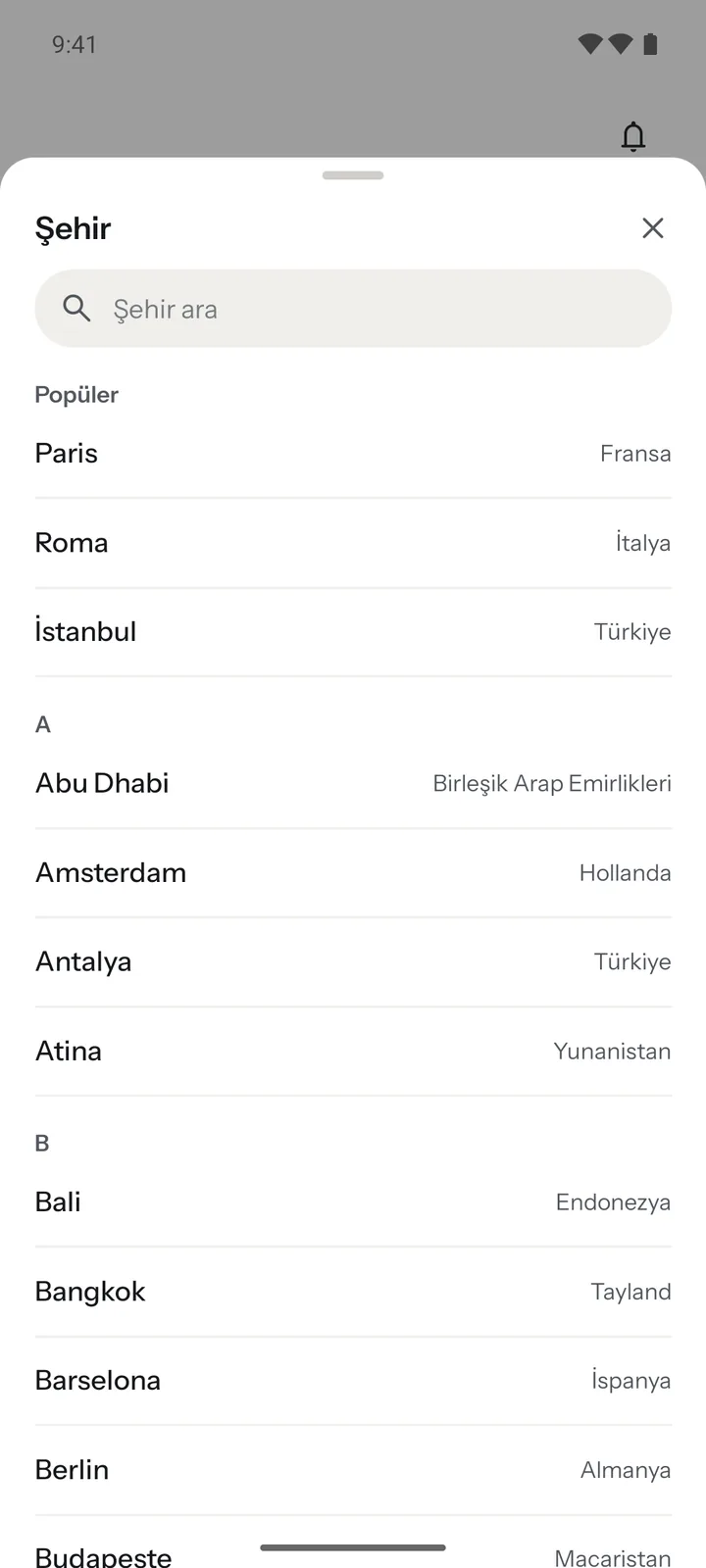
Pick a city and dates
Three days in Paris or a weekend in Istanbul? Choose the city and mark your days on the calendar.
- 2
Your route is ready in seconds
Places are ranked by rating, opening days and hours are checked, and nearby places land on the same day.

- 3
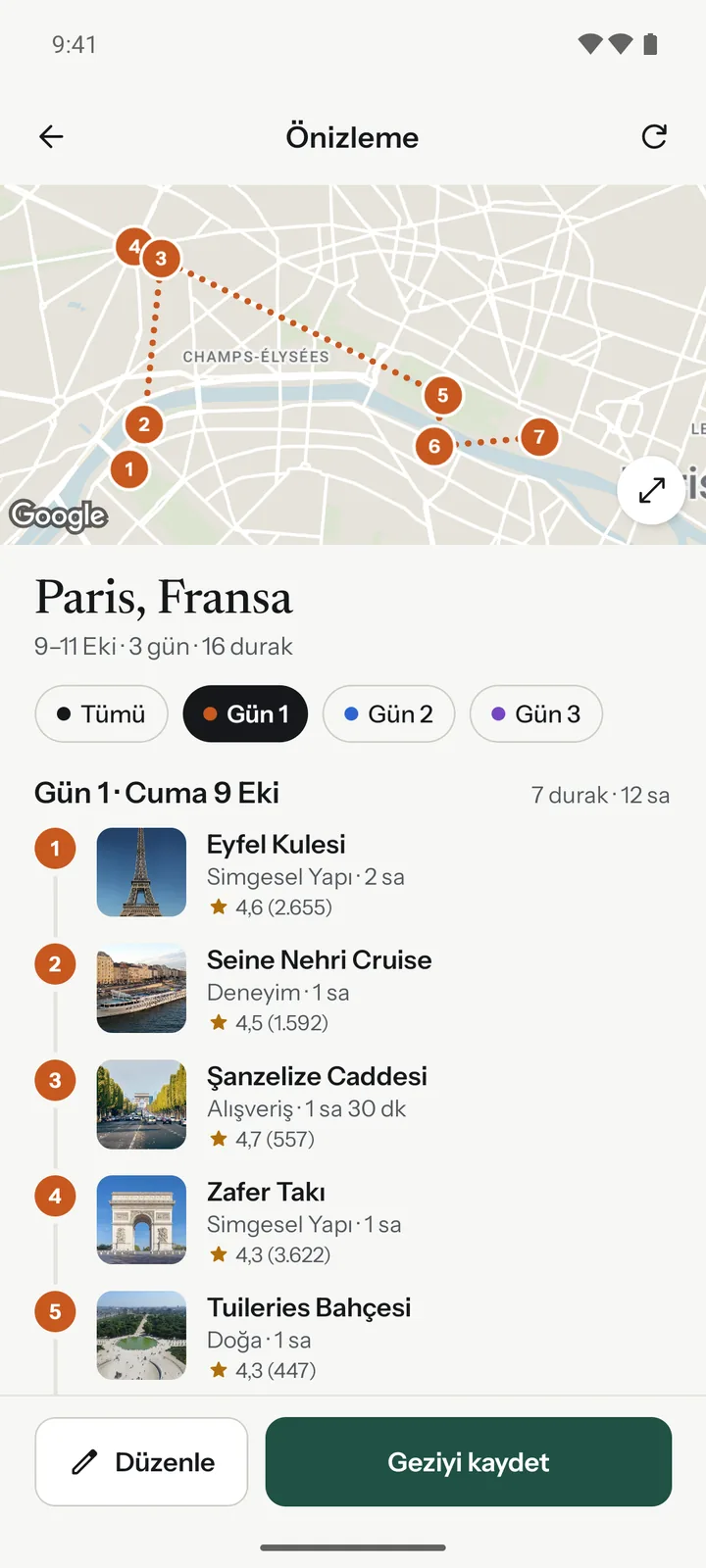
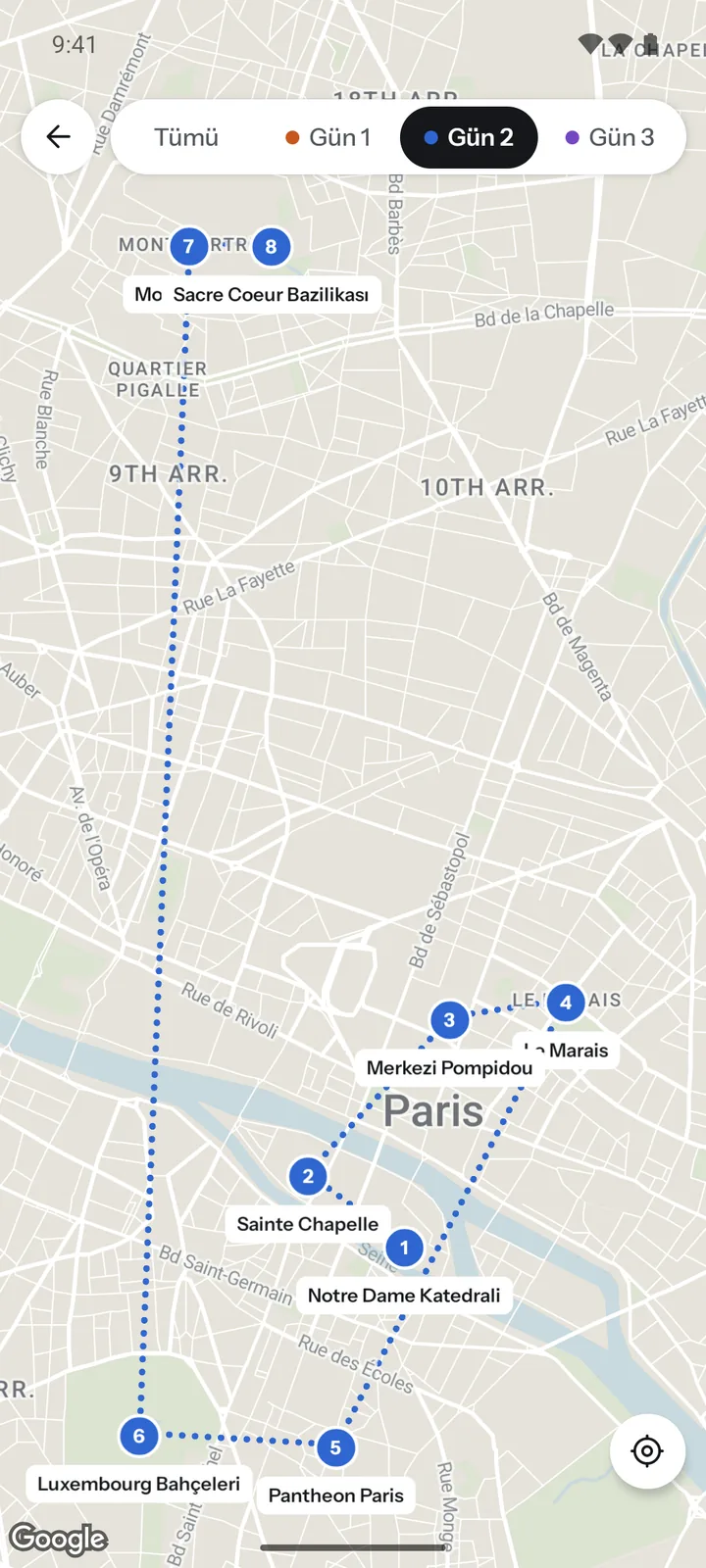
Every day on the map, in its own color.
Filter by day and see the path between stops. The Nearby screen shows what is around you within 1 to 20 km.
Make it yours
The route is a starting point. Change it however you like.
- 1
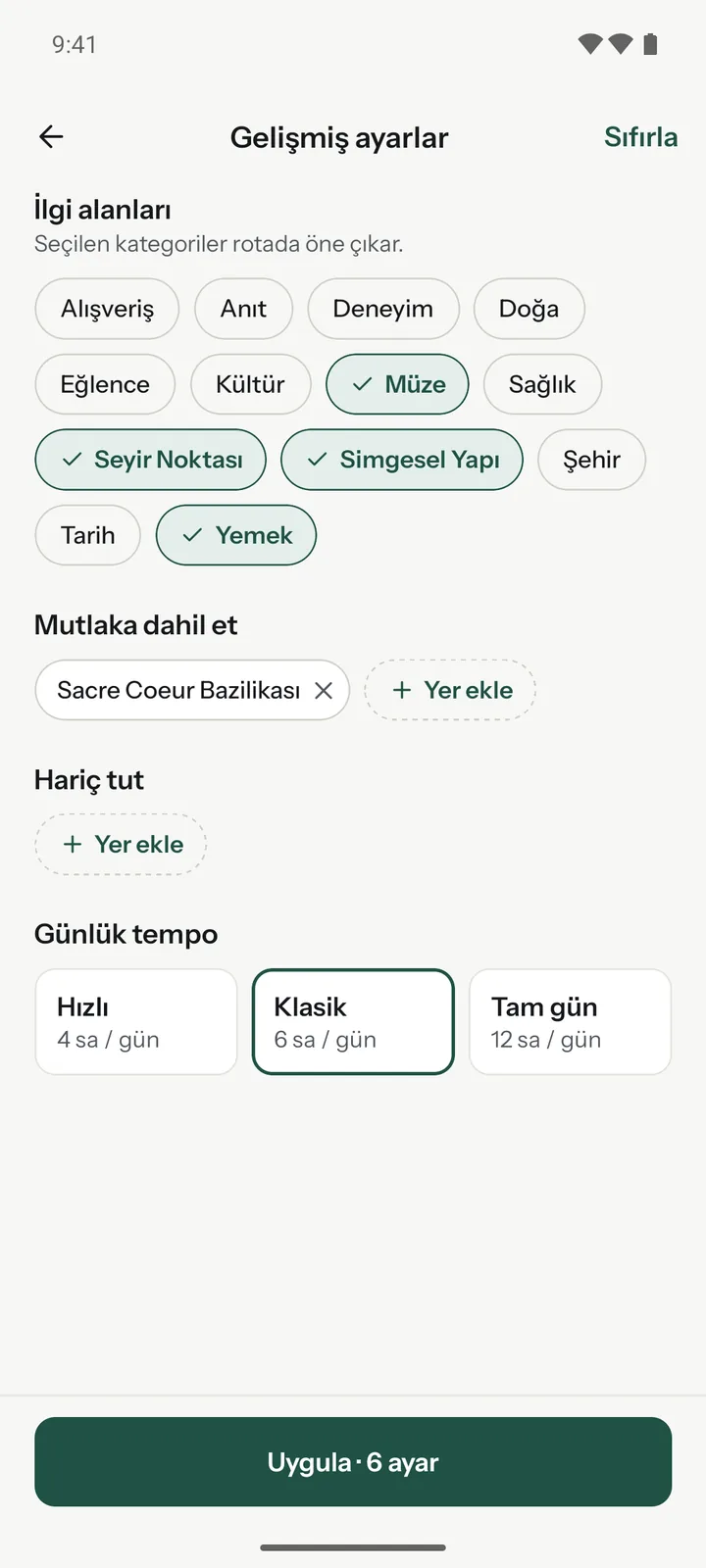
A route at your pace.
Pick your interests, add the places you must see and drop the ones you don’t. Daily pace: Quick 4 hours, Classic 6 hours or Full day 12 hours.
- 2
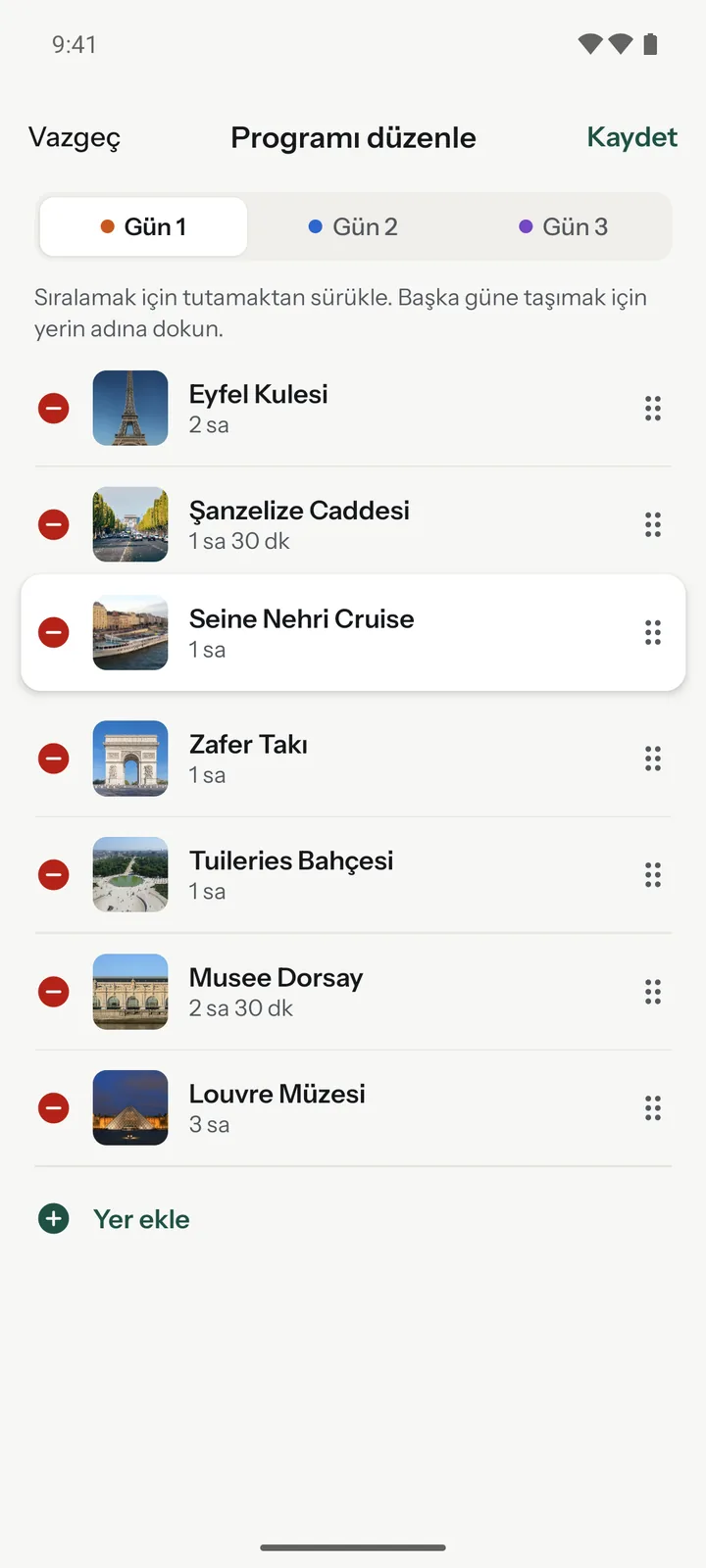
Drag, drop, done.
Reorder stops by dragging the handle, move a place to another day or add a new one.
- 3
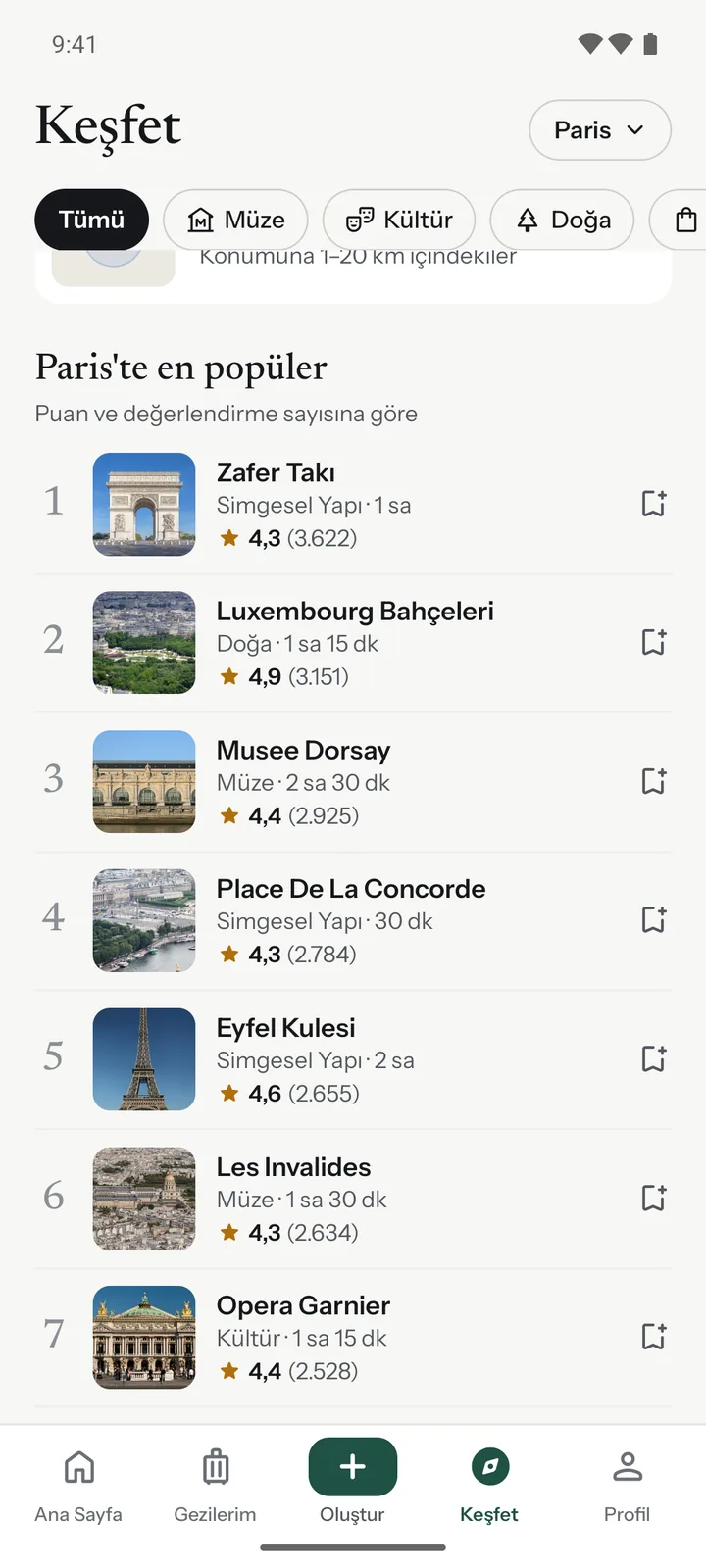
The places everyone loves, in the right order.
See every place’s rating, how many people reviewed it and its rank in the city. No more guessing whether it is worth the visit.
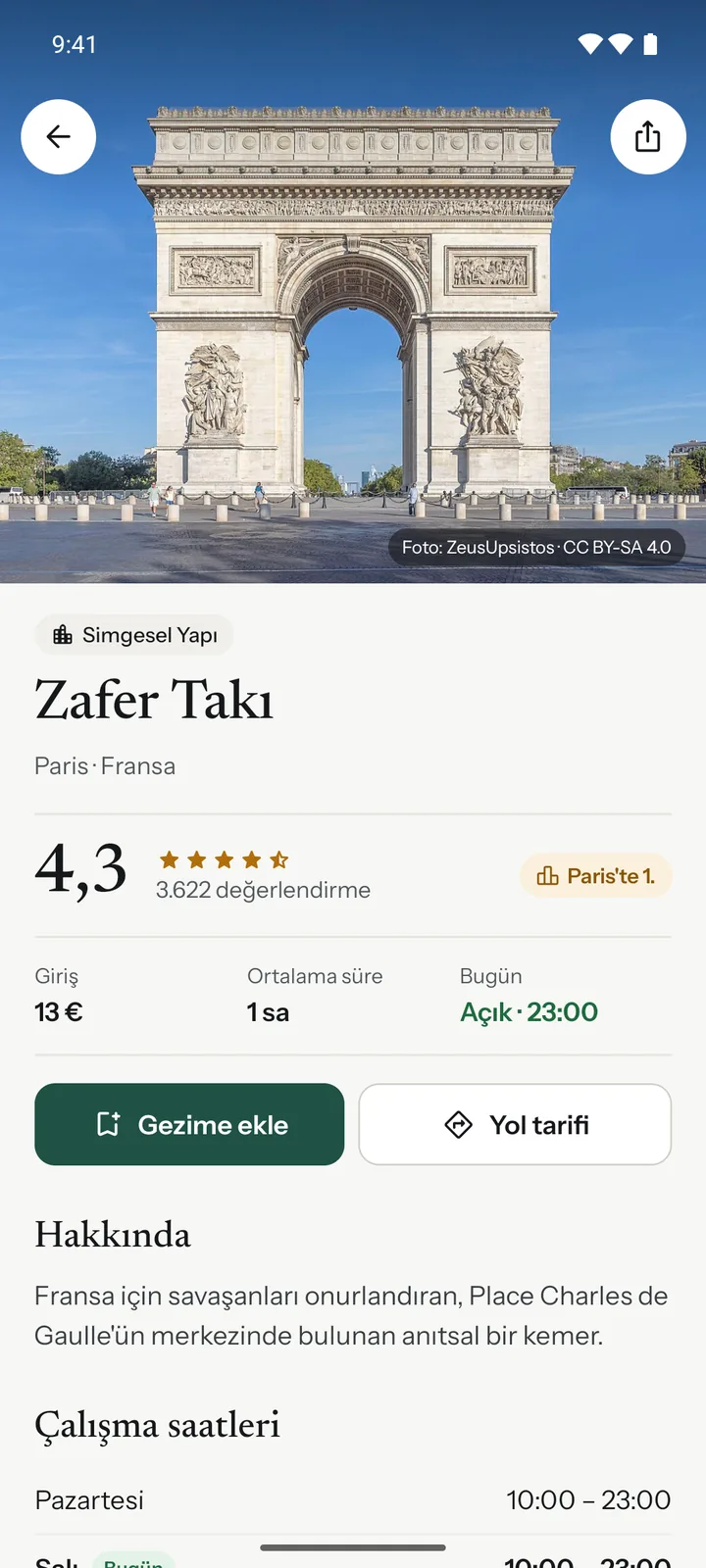
Hit the road
On the day, the plan is in your pocket.
- 1
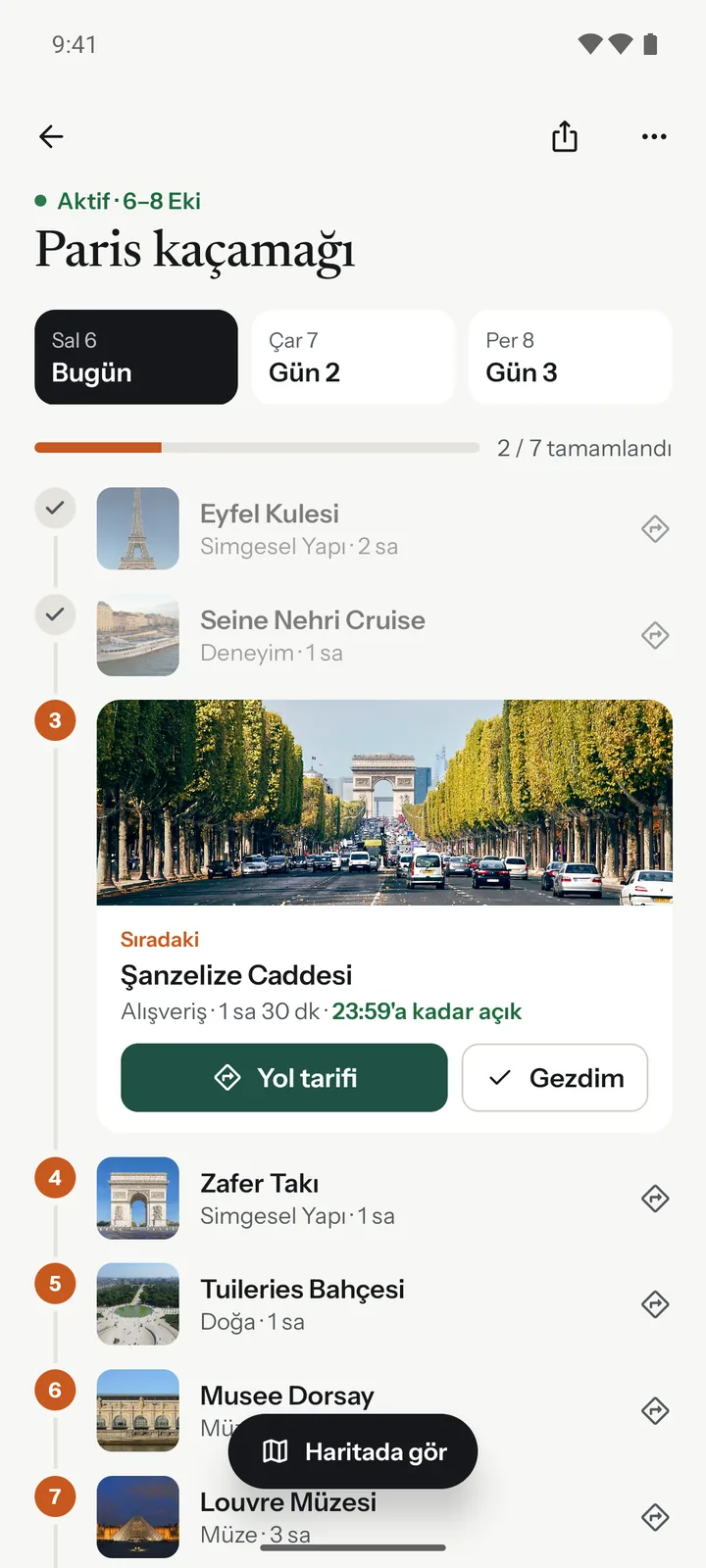
On the day, follow the next stop
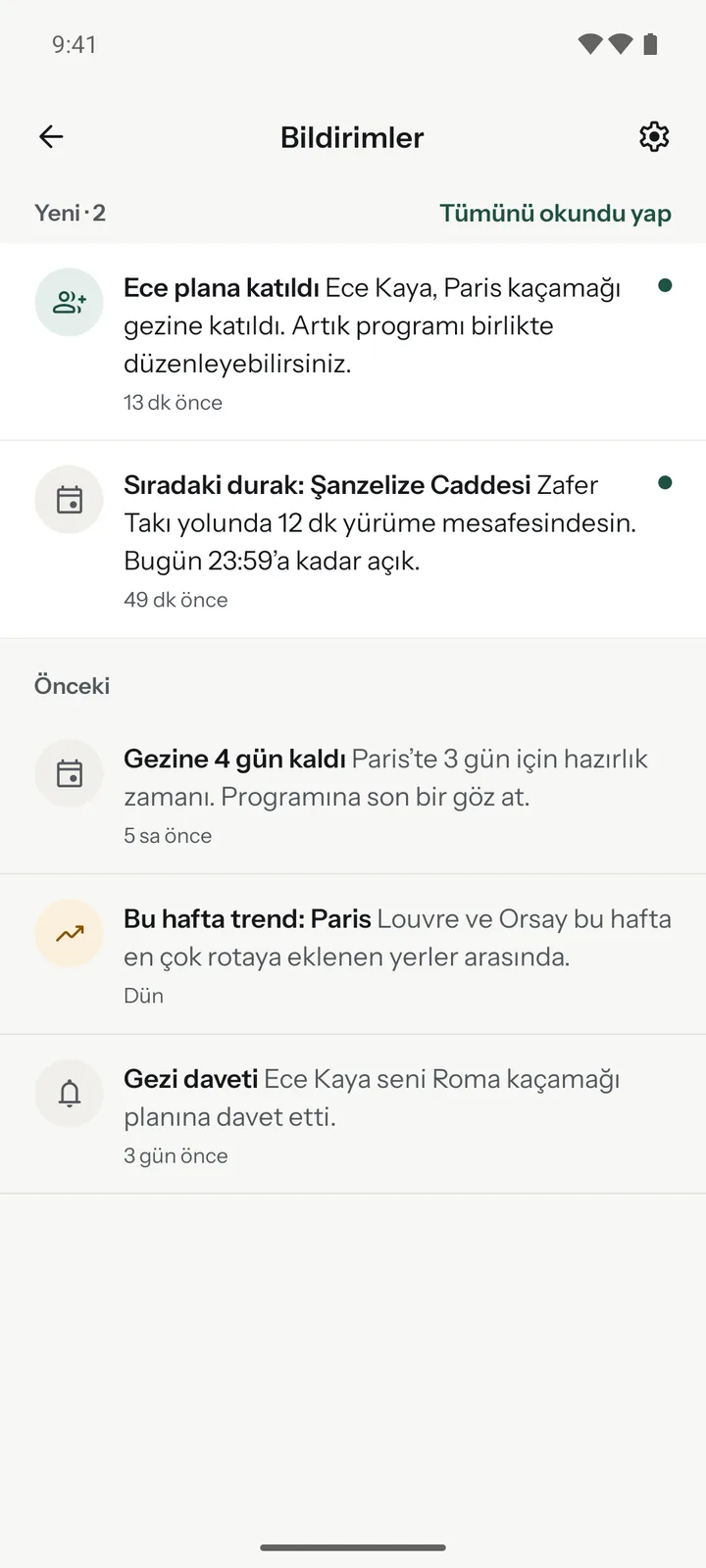
Today’s plan, your next stop, its closing time and directions in one tap.
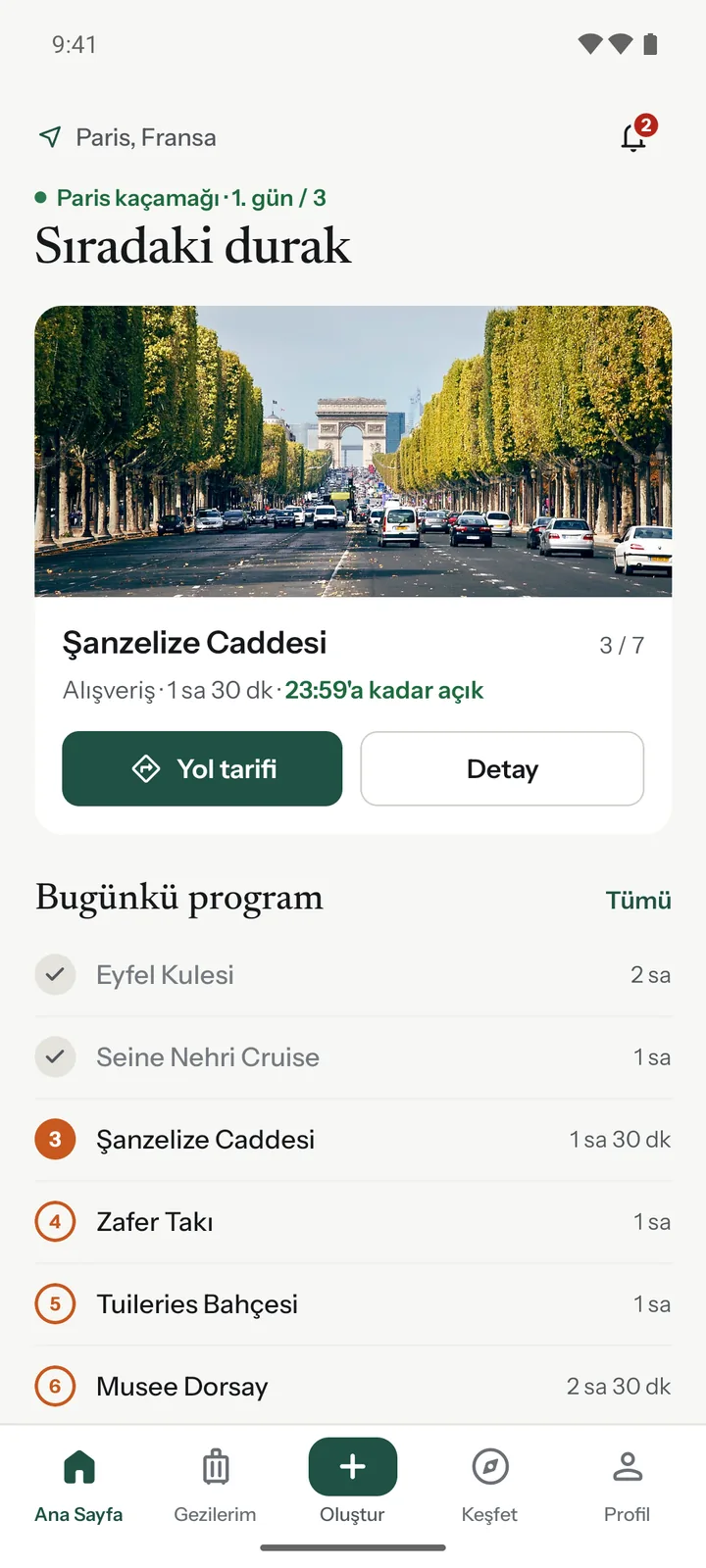
- 2
What’s around you?
Nearby shows places within 1 to 20 km of you on the map. Open or not, minutes on foot, entry fee: it’s all underneath.
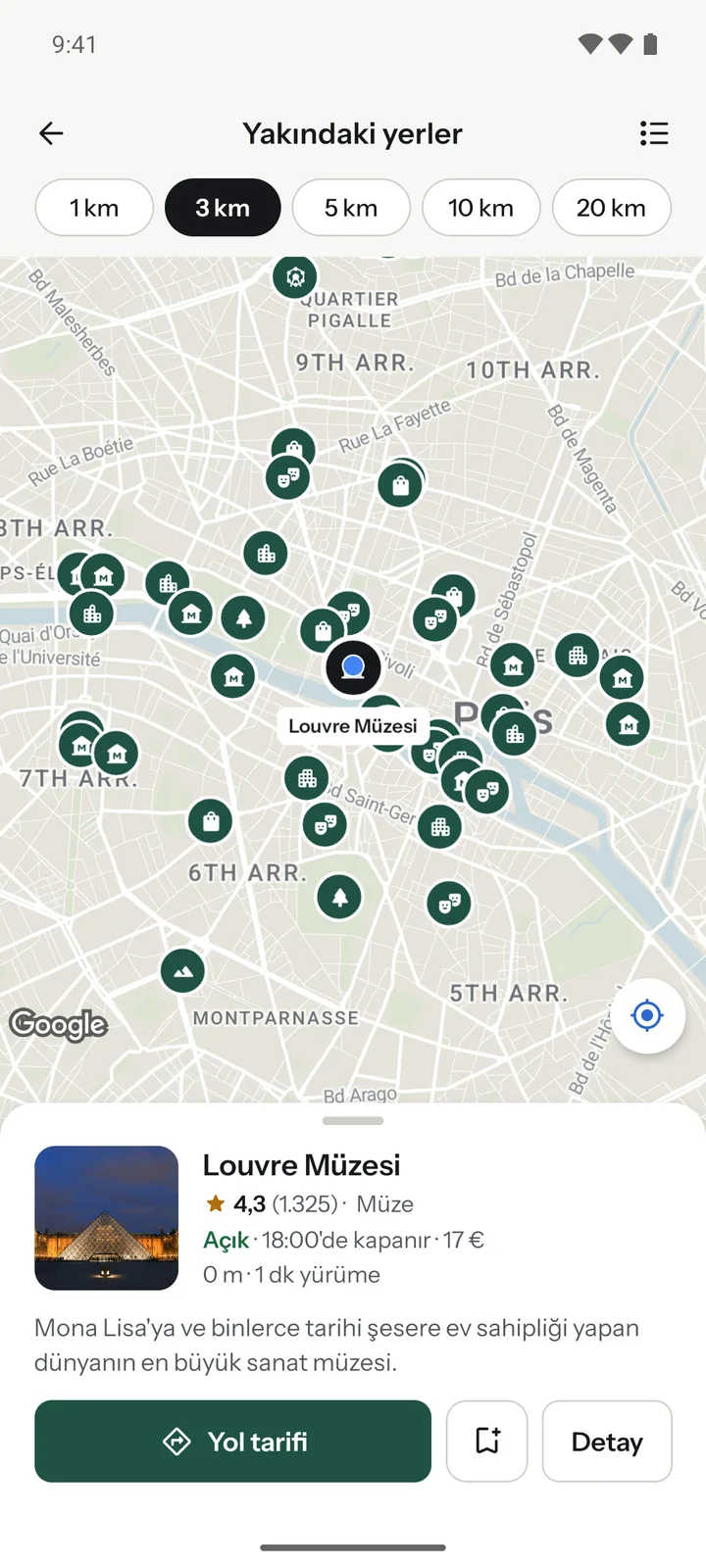
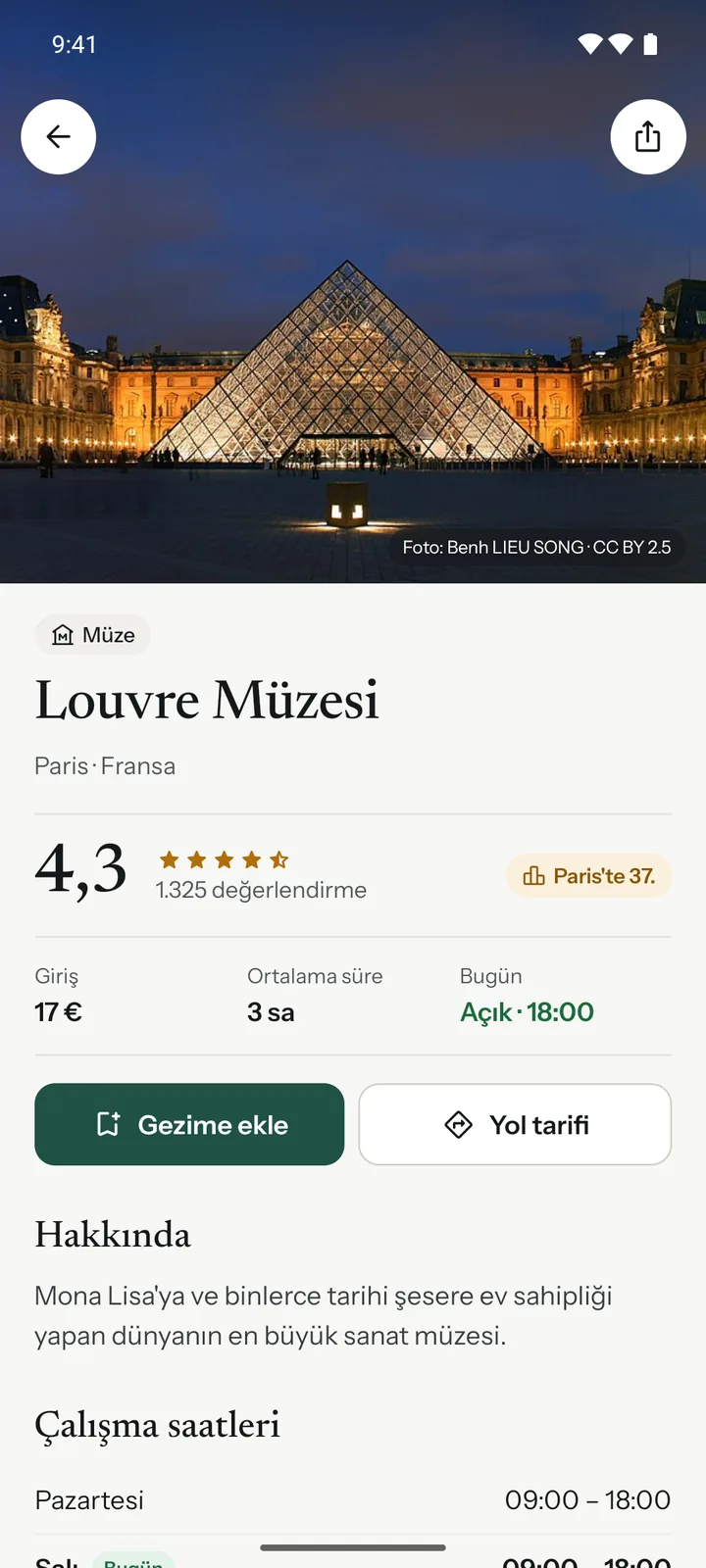
- 3
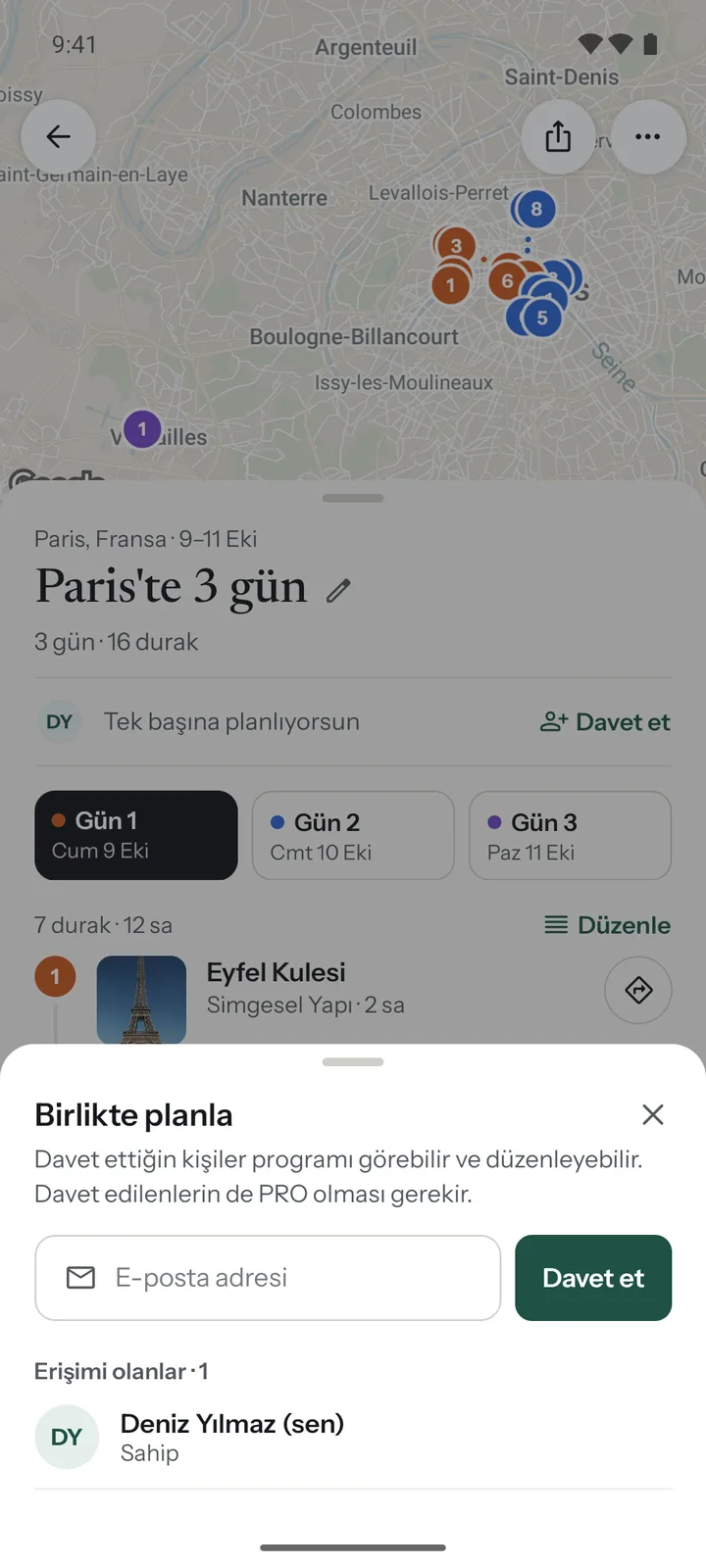
Plan together.
Invite friends by email and see and edit the same route together. You get a heads-up when someone joins.
Start free. Pay once for more.
- Routes in 5 cities
- 3 saved trips
- Advanced settings, map and editing
- Ratings, reviews, nearby places
- All cities (60)
- Unlimited trips
- Plan together: one route with friends
- Everything in Free
Price may vary by country and store.
Good questions.
Is TripChart free?
Yes. On the free plan you can build routes in 5 cities and save 3 trips. No screen is hidden, these are the only limits.
Is PRO a subscription?
No. PRO is a one-time purchase. Buy it once and it stays on your account.
How is the route built?
The city’s places are ranked by rating and number of reviews, then spread over your days based on opening days and hours, average visit times and distance from each other.
What do I need to plan with friends?
The trip owner and the people invited need PRO. Invites go out by email, and everyone who joins can see and edit the plan.
Can I change the route?
Yes. Drag stops to reorder them, move them to another day, add or remove places. You can also rebuild the route with advanced settings.
Which phones does it run on?
iOS and Android. The app is coming soon to the App Store and Google Play.
Get your next city ready.
Be the first to know when it launches.